
Crop Video Online - Crop Any Video Instantly
Reframe any clip in seconds — drag the crop box, lock a social ratio, then zoom, rotate and trim to fit. Every frame is processed privately inside your browser, so your footage never leaves this device.

- Works on All DevicesWindows, Mac, Android & iOS
- 100% Online ToolNo installation needed
- User FriendlySimple, clean & powerful
Batch queue 0
- Source
- —
- Duration
- —
- Output
- —
- Ratio
- —
Keyboard shortcuts
Loading…Validating file
Trusted by Creators, Marketers & Video Enthusiasts
Simple online video tools help people prepare content for social media, websites, presentations, and more.
Crop Videos Online Without Complicated Software
CropVideoOnline.com makes it easy to remove unwanted edges, change video framing, and prepare footage for different layouts. The experience is focused on one task, so users can crop their videos without navigating a full video editor.
Everything You Need to Crop Videos
Easy to Use
A straightforward interface designed for everyday users.
Flexible Cropping
Choose a custom crop area or use common aspect ratios.
Browser-Based
Access the workflow directly from a modern browser.
Multiple Video Formats
Designed around commonly used video files, depending on tool support.
Fast Workflow
Upload, crop, preview, and download with minimal steps.
Beginner Friendly
No advanced video editing experience required.
How to Crop a Video Online
Upload Your Video
Select the video you want to crop.
Choose Your Crop Area
Adjust the crop frame or select an available aspect ratio.
Preview Your Crop
Check the composition before exporting.
Download Your Video
Save the final cropped video.
Crop Videos for Different Formats
16:9
LandscapeStandard widescreen framing.
9:16
VerticalIdeal for tall, mobile-oriented video layouts.
1:1
SquareBalanced framing for square content.
4:5
PortraitA taller portrait format.
Freeform
CustomChoose the exact crop area you need.
What Can You Use Our Video Cropper For?
Social Media Content
Adjust framing for different content layouts.
YouTube Videos
Focus the composition on the important part of your footage.
Marketing Videos
Prepare video assets for promotional layouts.
Website Videos
Create framing that fits your website design.
Product Videos
Keep the product or main subject visually focused.
Personal Videos
Make quick framing adjustments to everyday footage.
See the Difference a Simple Crop Can Make
A Simpler Way to Crop Your Videos
No Complex Editing Timeline
Focus specifically on cropping instead of a full editing suite.
Focused Workflow
Everything centers around one simple task.
Browser-Based Experience
No desktop software workflow is necessary.
Beginner-Friendly
Designed for people who want results without learning advanced editing software.
What Users Say About CropVideoOnline
Sample testimonials only.
“The cropping workflow feels simple and focused. I didn't need a full video editor just to change the framing.”
“A straightforward way to prepare videos for different layouts without unnecessary editing tools.”
“The interface makes it easy to focus on exactly what I want to keep in the frame.”
Learn More About Video Cropping
Explore practical guides for cropping videos with popular platforms and editing tools.
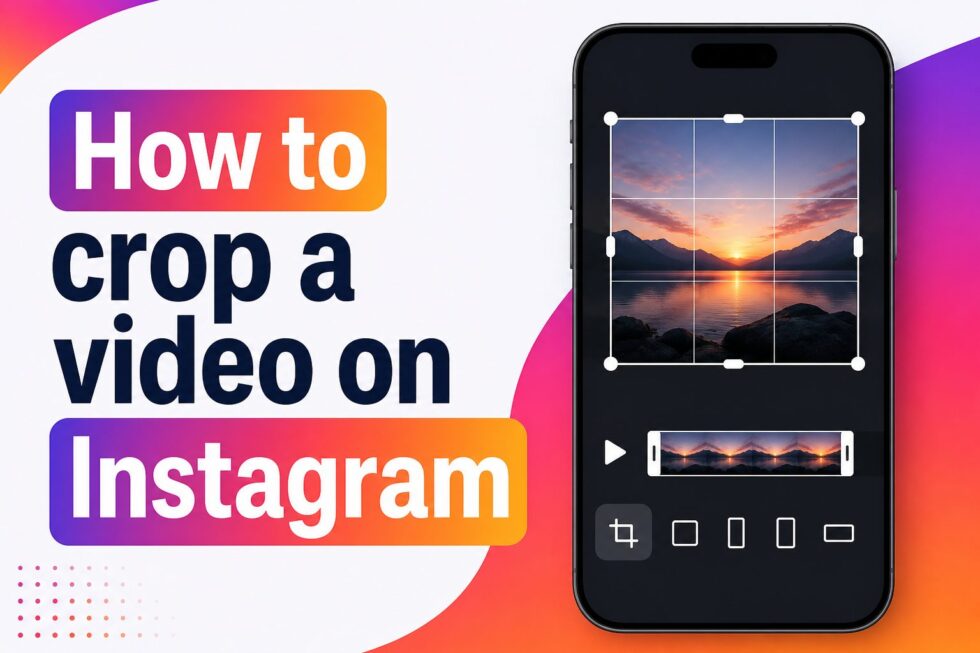
How to Crop a Video on Instagram
Learn practical framing steps for Instagram video layouts.
Read Article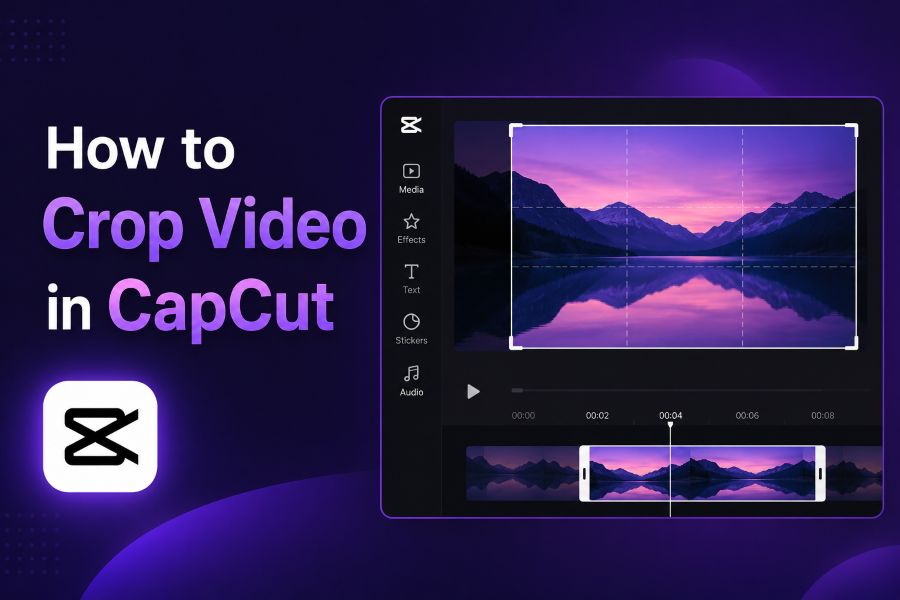
How to Crop Video in CapCut
Explore a simple workflow for adjusting video framing in CapCut.
Read Article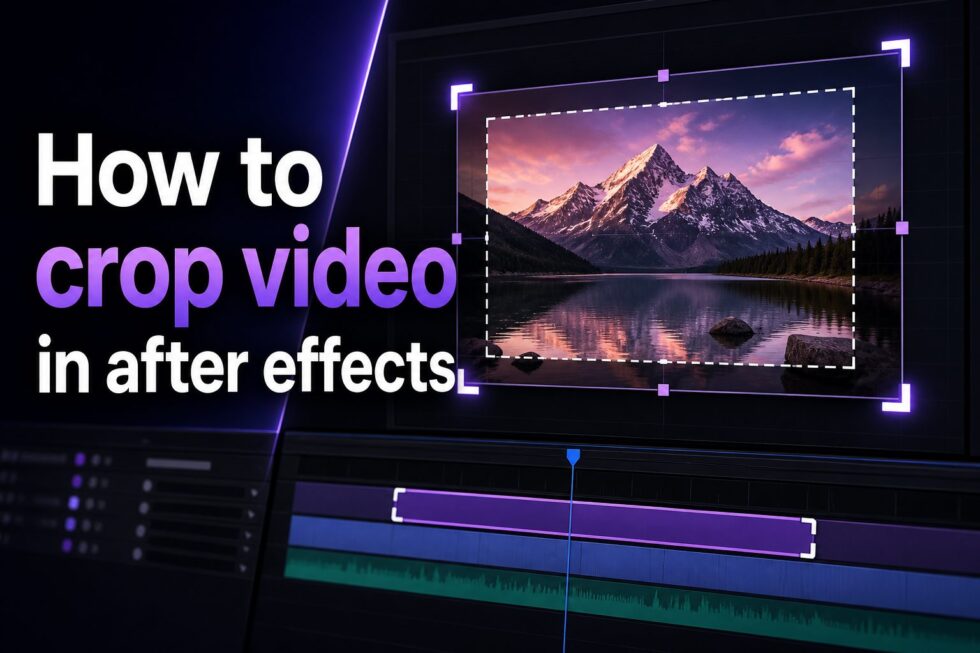
How to Crop Video in After Effects
See how cropping fits into an After Effects editing workflow.
Read ArticleFrequently Asked Questions
Cropping removes unwanted areas from the edges of a video frame and changes the visible composition.
CropVideoOnline is designed as a browser-based video cropping tool.
Common aspect ratios and/or custom cropping can be offered depending on the implemented tool functionality.
CropVideoOnline is designed around an online browser-based workflow.
Cropping the frame is different from trimming the video's timeline. Cropping changes the visible framing rather than the duration.
Supported formats depend on the current video cropping tool implementation.
Vertical videos can be cropped where supported by the current tool.
The Free plan provides access to the core homepage video cropping experience.
Ready to Crop Your Video?
Give your video the framing it needs with a simple online cropping workflow.